 Vardek
macOS · Corsair Xeneon Edge™
Your Xeneon Edge™, alive on the Mac.
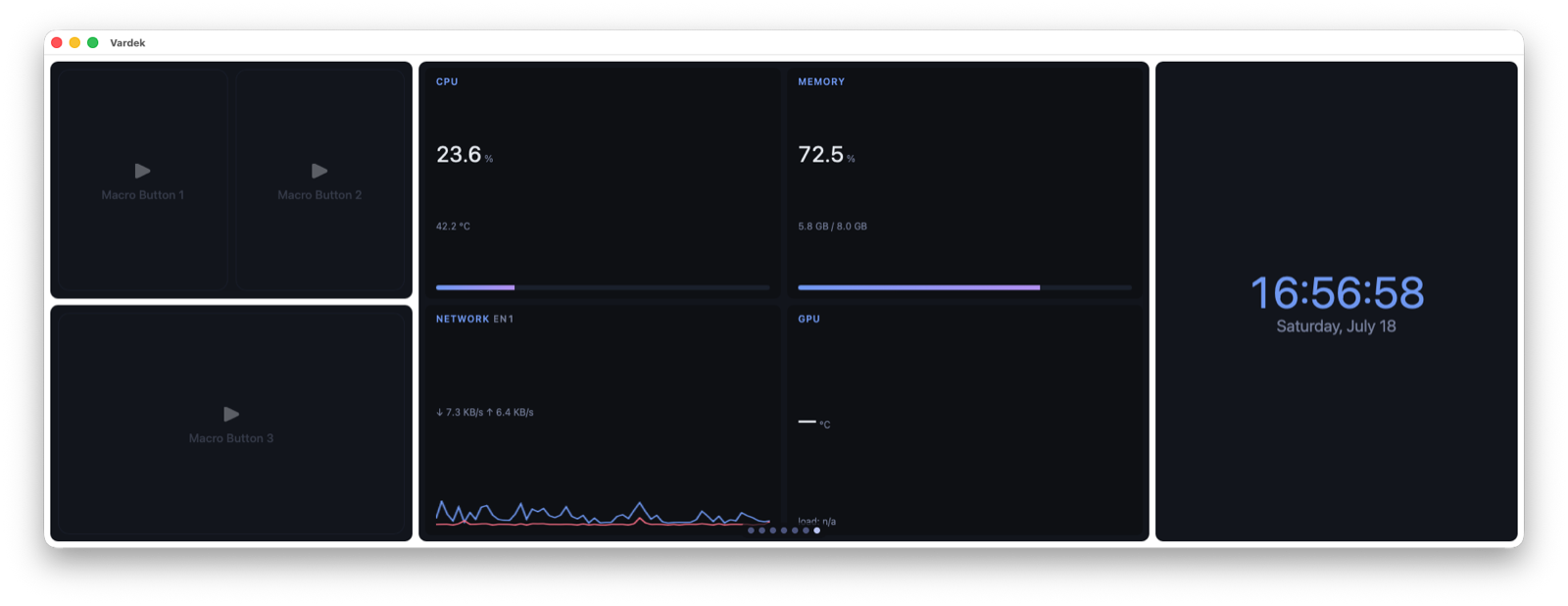
The Corsair Xeneon Edge™ ships a widget dashboard that only runs in iCUE on Windows. On a Mac the panel is just a second display. Vardek rebuilds that widget layer natively — a full-screen, touch-driven grid that runs entirely on your machine.
The gap
Corsair's Xeneon Edge™ widget layer is Windows-only. Plug the Xeneon Edge™ into a Mac and you get a secondary monitor but no widget support. Vardek fills it — natively, and without leaving your machine.
What you get
A real dashboard, built for the Mac.
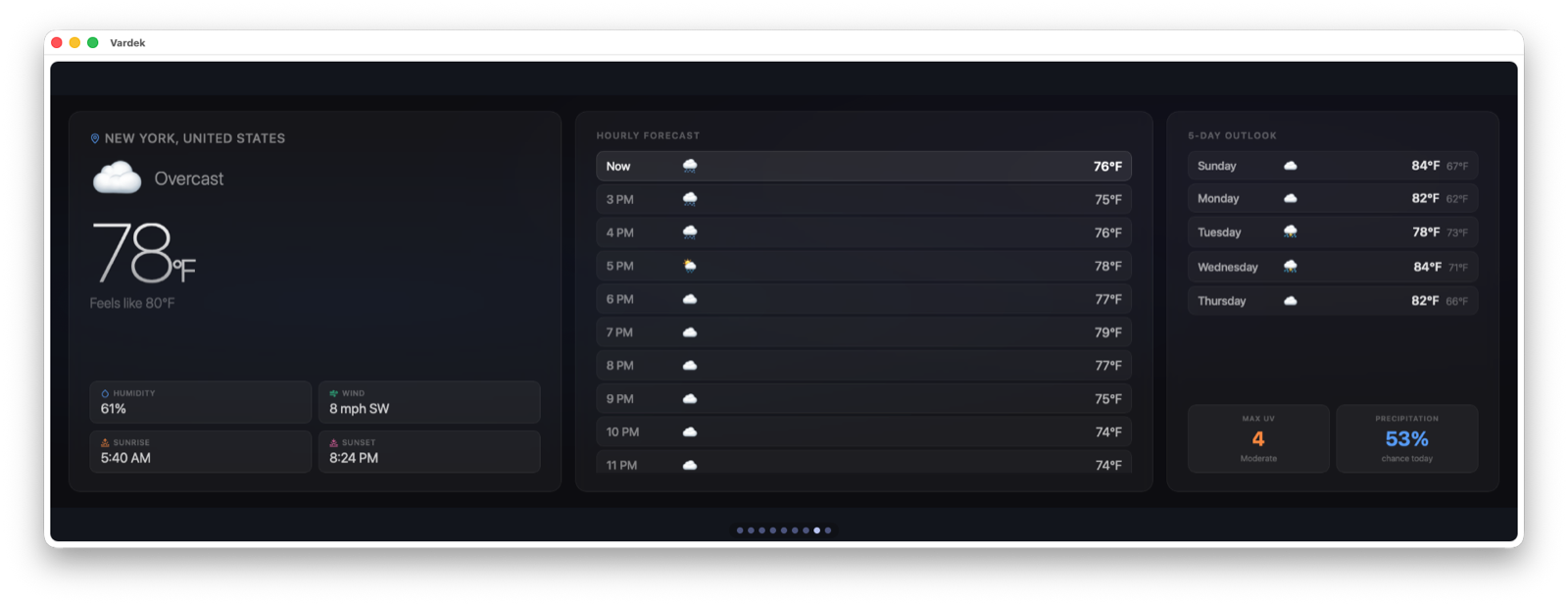
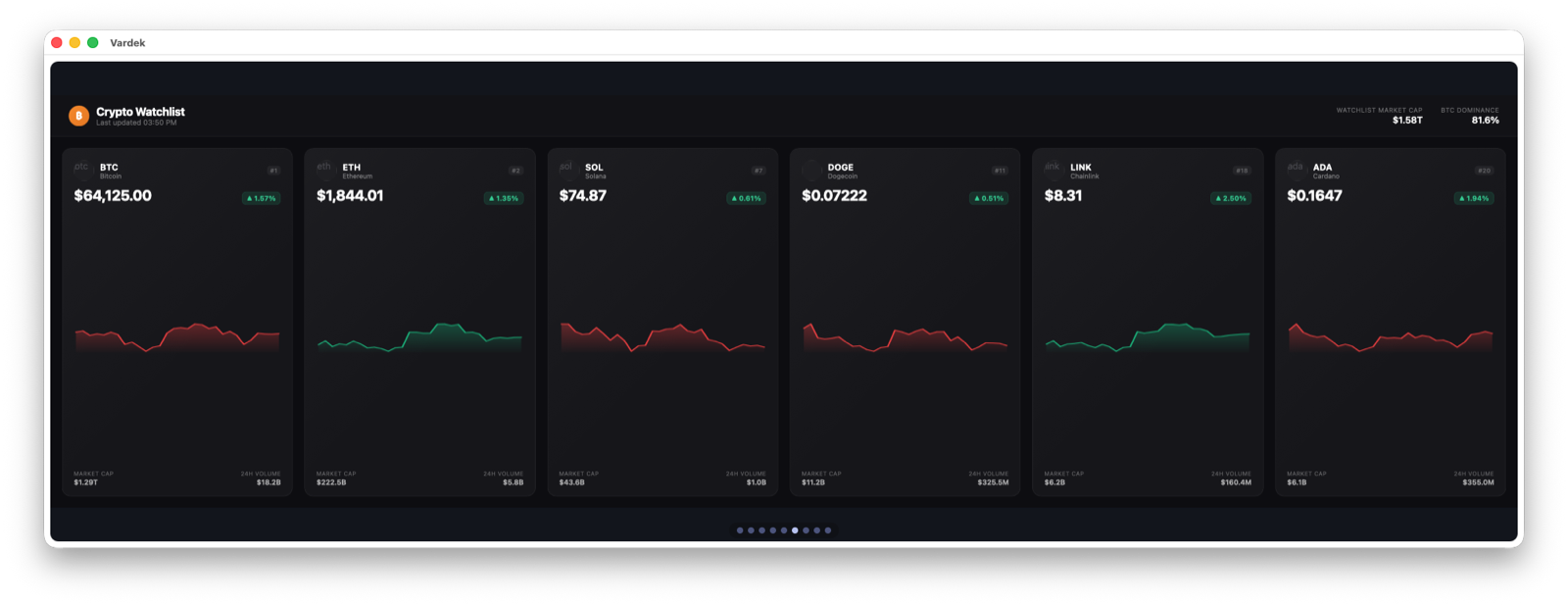
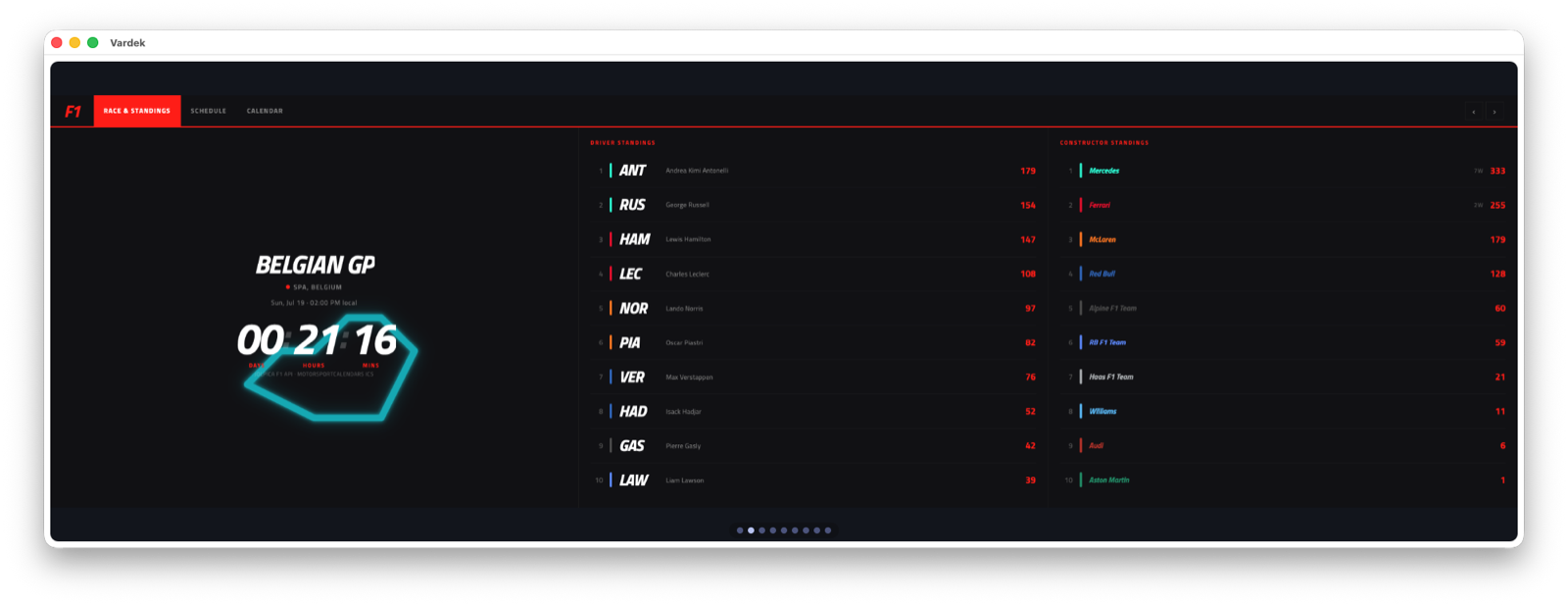
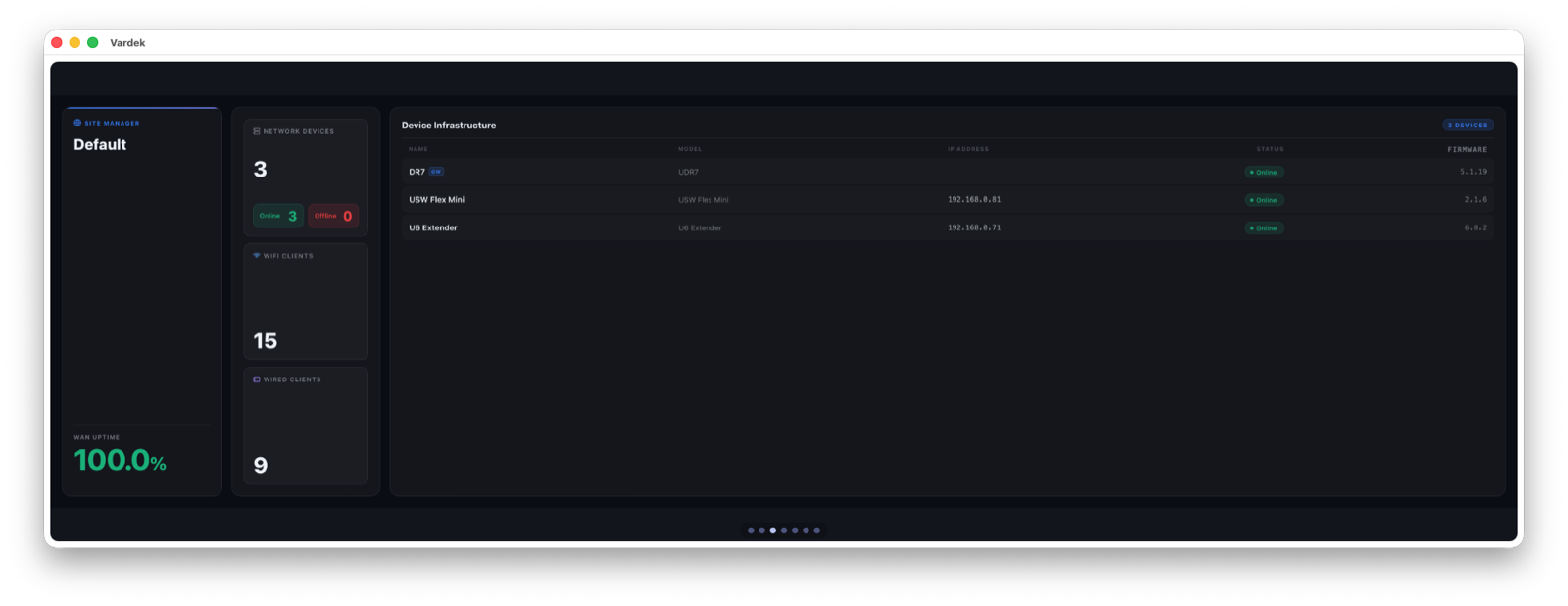
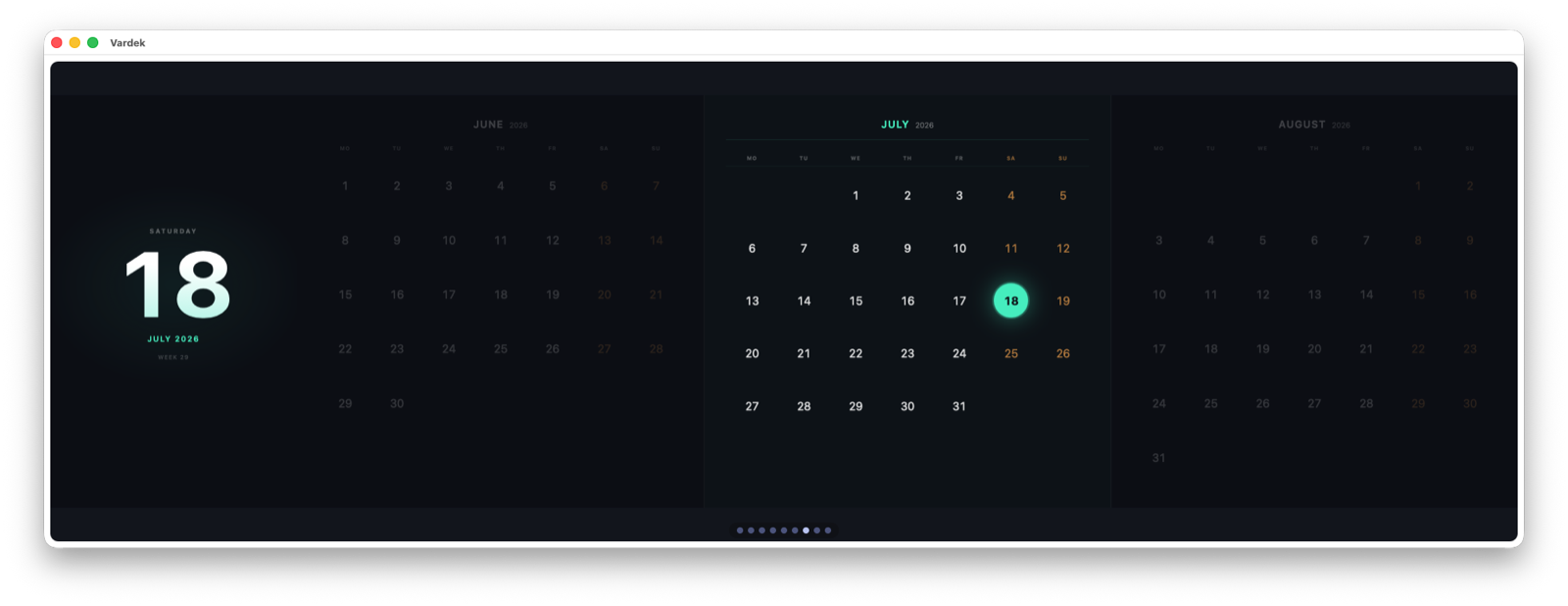
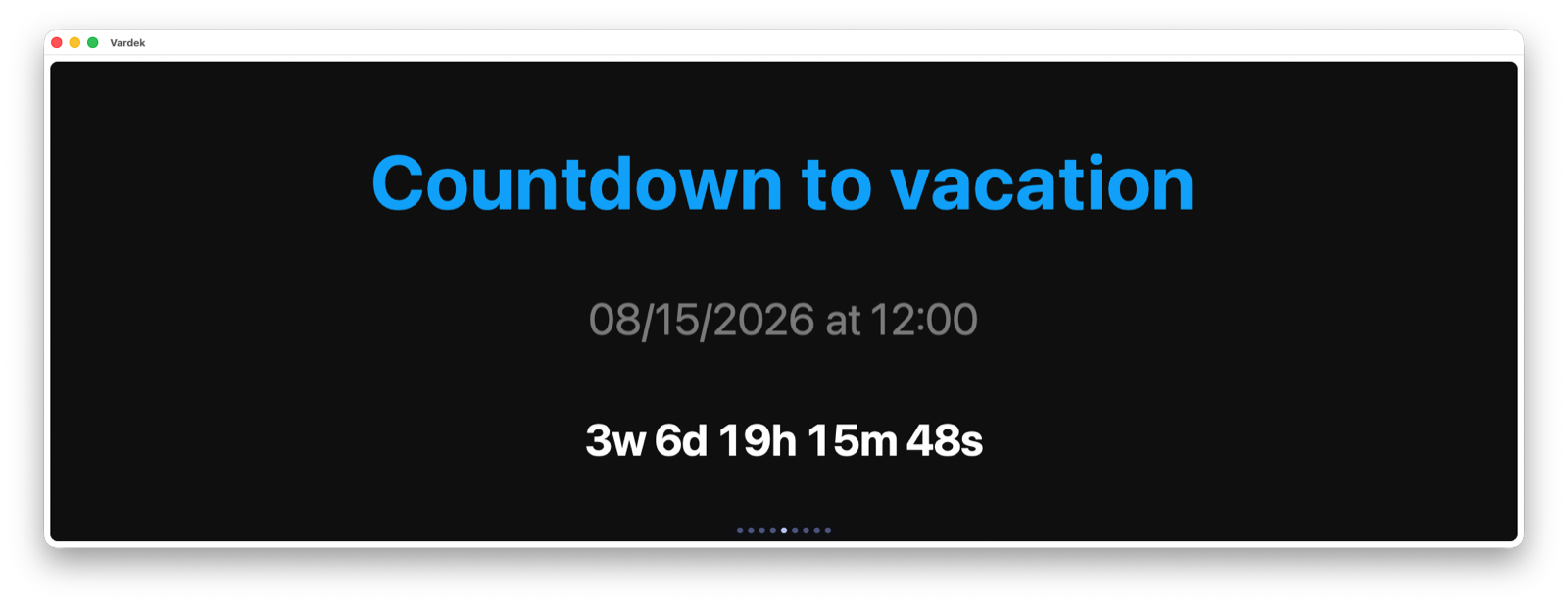
Nine first-party widgets ship bundled, arranged on an 8×2 grid across auto-rotating carousel pages.
Local-first by design
The daemon binds 127.0.0.1 and never goes off-box. No accounts, no cloud, no telemetry.
Native Mac shell
A WKWebView app fills the Edge panel full-screen — with a normal Mac window and menu bar underneath.
8×2 widget grid
Clocks, sensors, weather, macros — laid out on a grid, rotating through pages automatically.
iCUE-compatible widgets
Widgets are plain web folders (manifest.json + index.html). Import community and marketplace widgets as-is, or add community add-ons.
Manage from a browser
Turn widgets on, place them, set options from an Admin page. No config files to hand-edit.
In-app Help
⌘? opens a searchable local knowledge base built from the docs. ⌘, settings, ⌘R reload.
How it works
Two small pieces, all on your machine.
🛰️ edge-daemon 127.0.0.1:8137
A small Swift daemon serves the dashboard and a live data feed over loopback — never reachable from the network. The only traffic that leaves is the specific API call a data widget makes.
🪟 edge-shell
A native WKWebView shell displays that dashboard full-screen on the Edge. The green traffic-light button drops it to a movable, resizable window and back.
Add-on widgets
Install more widgets, no app update.
Beyond the nine bundled widgets, Vardek scans a user widgets directory. Drop an add-on folder in, rescan — no reinstall, no restart. A growing catalog of community add-ons lives in an open repo.
🧩 An open catalog
Community add-ons ship in an open repo, each a plain web folder. The library grows over time — new widgets arrive without waiting on an app release.
📥 Install after the fact
Clone the repo and run ./install-addon.sh, or copy a folder into the widget library from Admin and click Rescan. The widget appears — place it.
🔐 Sandboxed & source-viewable
Add-ons run in Vardek's sandboxed iframe (opaque origin, CSP, per-widget proxy allowlist). Treat installing one like a browser extension — read the source first.
Runs entirely on your machine.
Vardek binds to loopback and stays there. No cloud, no accounts, no telemetry — ● just your Mac and the panel in front of you.